Home > Categories > traditional old school > Exploring Traditional Japanese Tattoo Designs in Photoshop

Learn about traditional Japanese tattoo designs, their meaning, and how to digitally explore them using Photoshop. A guide by Kenji Yamamoto.

The Art of Irezumi: A Guide to Traditional Japanese Tattooing

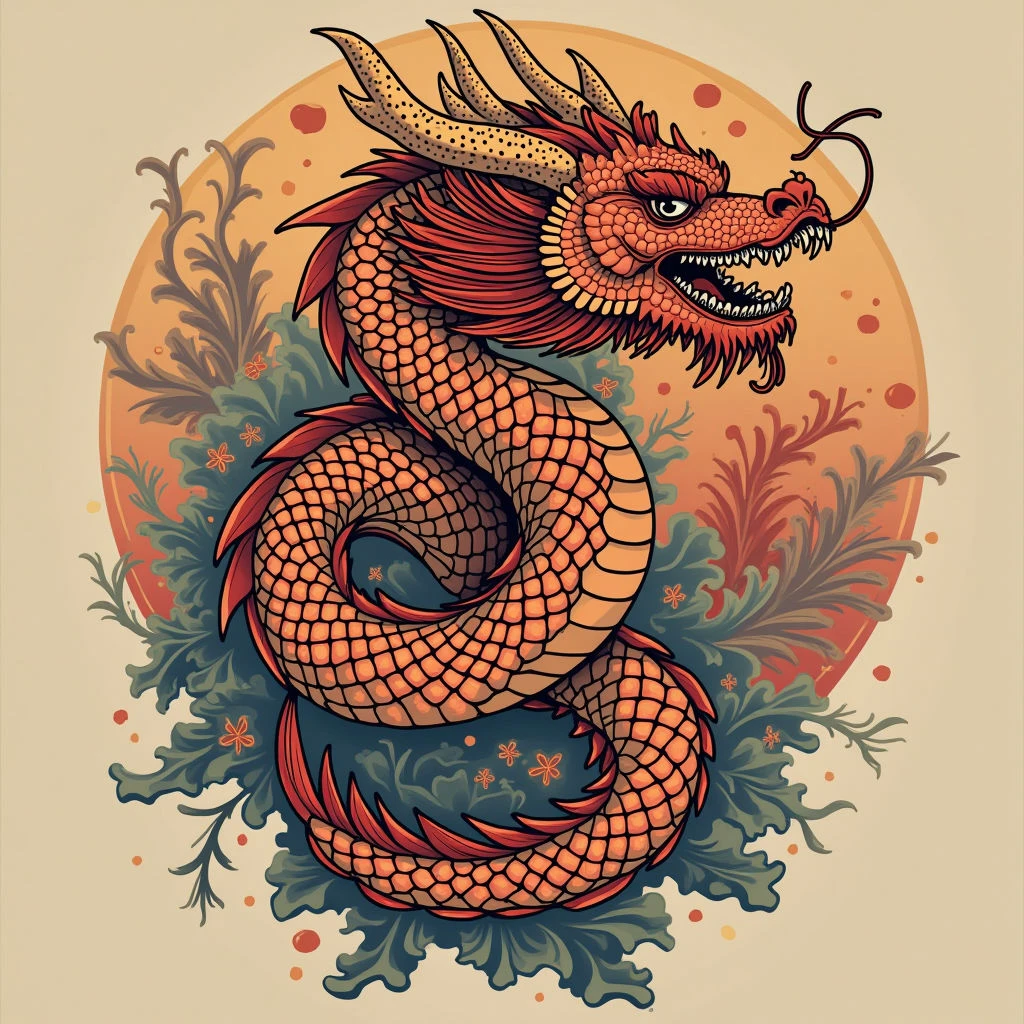
Traditional Japanese tattooing, known as *irezumi*, is so much more than just decoration. It's a deep art form with roots in history, mythology, and spirituality.

Understanding Irezumi

Before you even start thinking about a design, it's important to grasp the core principles of irezumi. Historically, these tattoos were linked to the samurai class—symbols of courage and loyalty—and later adopted by members of the *yakuza*. While their cultural meaning has changed over time, respect for tradition remains essential.

Photoshop as a Design Tool

Modern technology offers exciting ways to explore these designs. Photoshop is an excellent platform for visualizing irezumi tattoos, letting you play with placement, size, and color without the permanence of ink.

How to Use Photoshop

Here's a simple process:

  • Gather Reference Images: Collect high-quality images of traditional Japanese artwork—woodblock prints (*ukiyo-e*), paintings, and existing irezumi designs.
  • Create a Mockup: Use Photoshop to trace outlines and experiment with placement on your body (or a model). Think about how the design will flow around limbs or your torso.
  • Color Exploration: Try different color schemes—classic black and grey, vibrant reds and golds, or more modern watercolor styles.
  • Share with Your Artist: Once you have a preliminary design, share it with your tattoo artist. They can refine the design based on their expertise and make sure it’s suitable for tattooing.

Exploring Traditional Japanese Tattoo Designs in Photoshop

Home > Categories > traditional old school > Exploring Traditional Japanese Tattoo Designs in Photoshop

Learn about traditional Japanese tattoo designs, their meaning, and how to digitally explore them using Photoshop. A guide by Kenji Yamamoto.

The Art of Irezumi: A Guide to Traditional Japanese Tattooing

Traditional Japanese tattooing, known as *irezumi*, is so much more than just decoration. It's a deep art form with roots in history, mythology, and spirituality.

Understanding Irezumi

Before you even start thinking about a design, it's important to grasp the core principles of irezumi. Historically, these tattoos were linked to the samurai class—symbols of courage and loyalty—and later adopted by members of the *yakuza*. While their cultural meaning has changed over time, respect for tradition remains essential.

Photoshop as a Design Tool

Modern technology offers exciting ways to explore these designs. Photoshop is an excellent platform for visualizing irezumi tattoos, letting you play with placement, size, and color without the permanence of ink.

How to Use Photoshop

Here's a simple process:

  • Gather Reference Images: Collect high-quality images of traditional Japanese artwork—woodblock prints (*ukiyo-e*), paintings, and existing irezumi designs.
  • Create a Mockup: Use Photoshop to trace outlines and experiment with placement on your body (or a model). Think about how the design will flow around limbs or your torso.
  • Color Exploration: Try different color schemes—classic black and grey, vibrant reds and golds, or more modern watercolor styles.
  • Share with Your Artist: Once you have a preliminary design, share it with your tattoo artist. They can refine the design based on their expertise and make sure it’s suitable for tattooing.