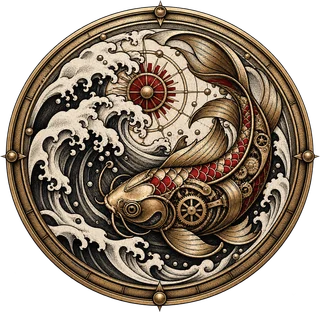
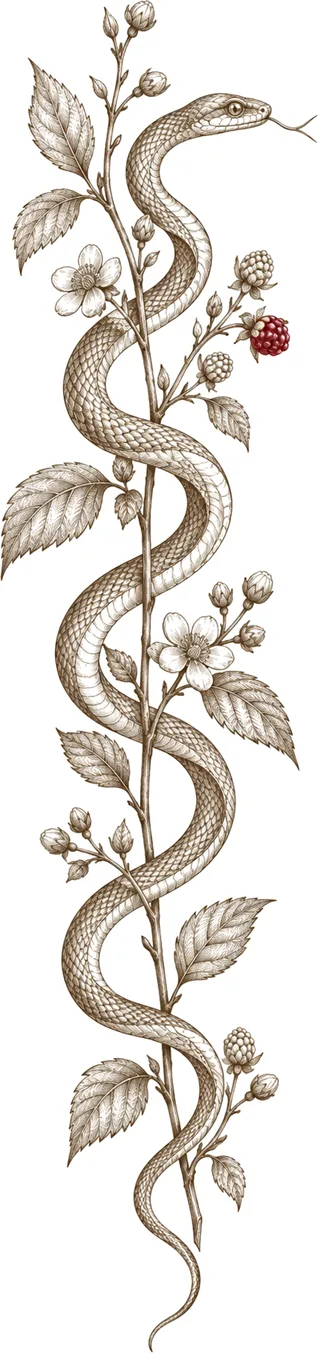
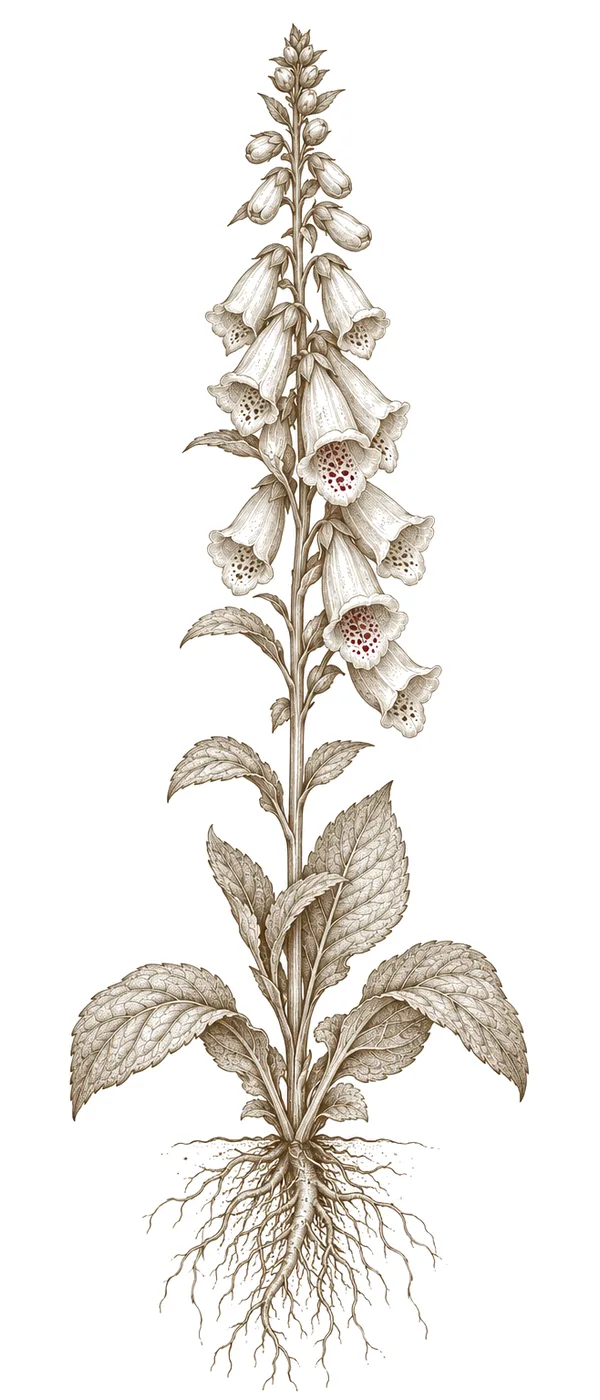

Photoshop unlocks incredible potential for creating intricate, personalized tattoo designs. This guide is for artists of all levels—whether you're just starting out or already have experience.
Understanding the Foundations
Before jumping into Photoshop, it’s essential to understand the core design principles. Think about line weight, composition, balance—even negative space and symbolism all play a role. A truly great tattoo considers not just how it looks now, but also how it will age on your skin.
Exploring Tattoo Styles
Experimenting with different styles is key to finding your artistic voice. Here are a few popular options:
-
Traditional
Classic designs often use bold outlines and a limited color palette. -
Realism
This style focuses on intricate details and shading to create incredibly lifelike portraits or imagery—it’s a real challenge to master. -
Watercolor
Mimic the soft, translucent effects of watercolor paints for a unique and artistic look.
Photoshop Techniques to Know
Here are some essential Photoshop techniques that will make your tattoo design process smoother:
-
Brushes
Explore custom brushes to add unique textures and effects. There are tons of free, tattoo-specific brush packs available online. -
Layers
Use layers extensively—it gives you incredible flexibility and allows for non-destructive editing. Each element of your design should ideally live on its own layer. -
Color Palettes
Creating harmonious color palettes is crucial for a polished, professional aesthetic.
Finding Your Inspiration
Look everywhere! Browse online galleries, check out art books, or even find inspiration in nature. Always consider cultural symbolism and personal meaning when designing a tattoo—it’s what makes it truly special.