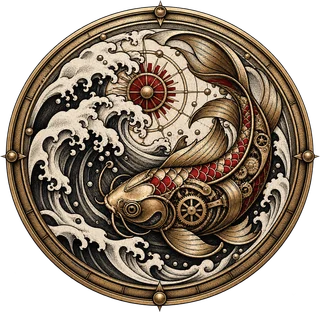

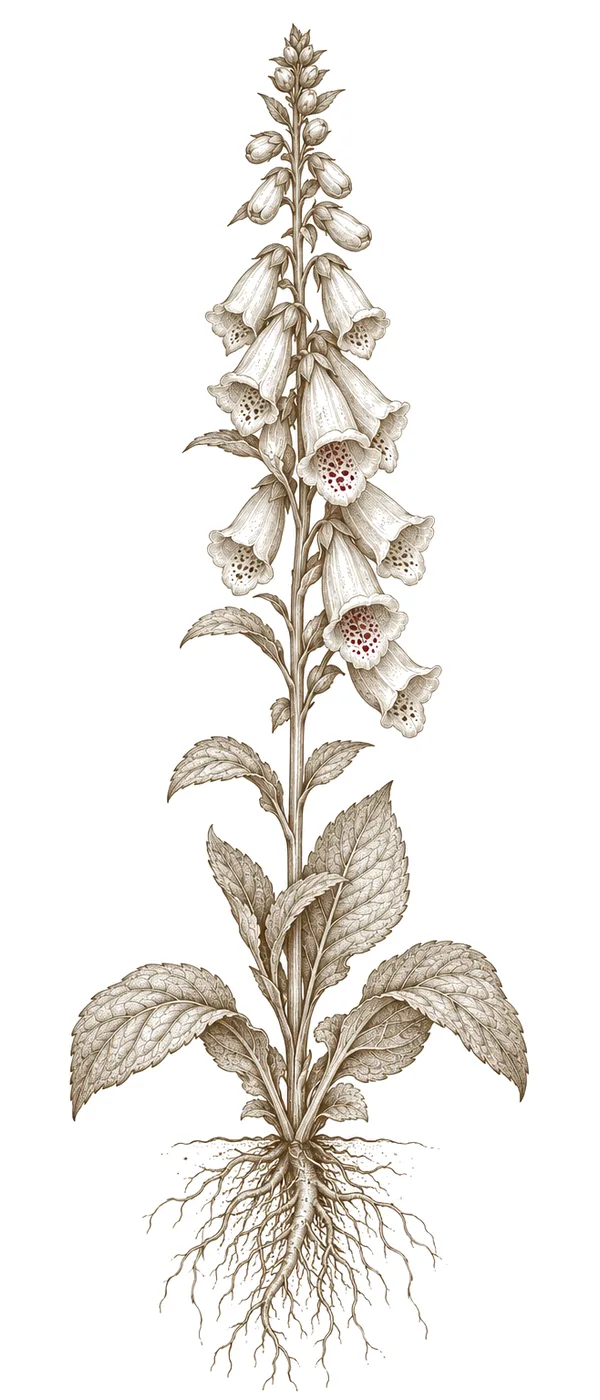

Getting a tattoo is deeply personal—a visual expression that starts with an idea. While the artist’s skill brings it to life, often the initial concept comes from within us. These days, mobile apps have made crafting those ideas much easier.
Why Use Tattoo Design Apps?
They’re not just for artists; these apps are fantastic tools for clients too. They let you see your vision, communicate it clearly to your artist, experiment with different designs and placements, and sketch anywhere at any time—no paper or pencils needed.
Top Apps for Tattoo Design
-
Procreate (iOS)
A powerhouse for digital artists, Procreate offers layers, brushes, and precision tools to create detailed designs. It's a favorite among professionals. -
Autodesk Sketchbook (iOS & Android)
Free and packed with features, Autodesk Sketchbook is great for quick sketches and experimenting. It’s really client-friendly. -
Paper by WeTransfer (iOS & Android)
With its intuitive interface, Paper is perfect for brainstorming and capturing ideas on the go. The simple design makes it easy to share your sketches. -
Tattoo Easy (Android)
Specifically built for tattoo artists, Tattoo Easy includes stencils, flash templates, and reference images. -
Illustrator Draw (iOS & Android)
Adobe’s mobile drawing app provides vector-based precision for intricate designs—ideal for professional work.
Tips for Using Tattoo Design Apps
- Start with a sketch. Don’t be afraid to experiment—it's all part of the process.
- Consider placement. Think about where your tattoo will sit on your body and how it will look.
- Share with your artist. Collaboration is key—work together to refine your design until you’re both happy.